Cookie settings

Here you decide which technologies we may use. You can change or withdraw your choice at any time.

Necessary

Stores only your own choice (consent status). This function is required for operation and is always active.

Always on

Analytics (Google Analytics)

Helps us understand which content is used. Sets identifiers (cookies) and sends usage data to Google. Loaded only after you consent.

Not active at the moment: analytics has not been set up on this website yet. No analytics data is collected.

Your choice is stored locally in your browser (key “evb_consent”). Privacy policy

EVBINOS Showroom

Your digital sales office.

Present, talk, share offers and keep the sales room open after the meeting — all from one browser link.

  • No installation
  • No guest account
  • Presentation first, video beside it

14 days · 120 meeting minutes · No credit card required

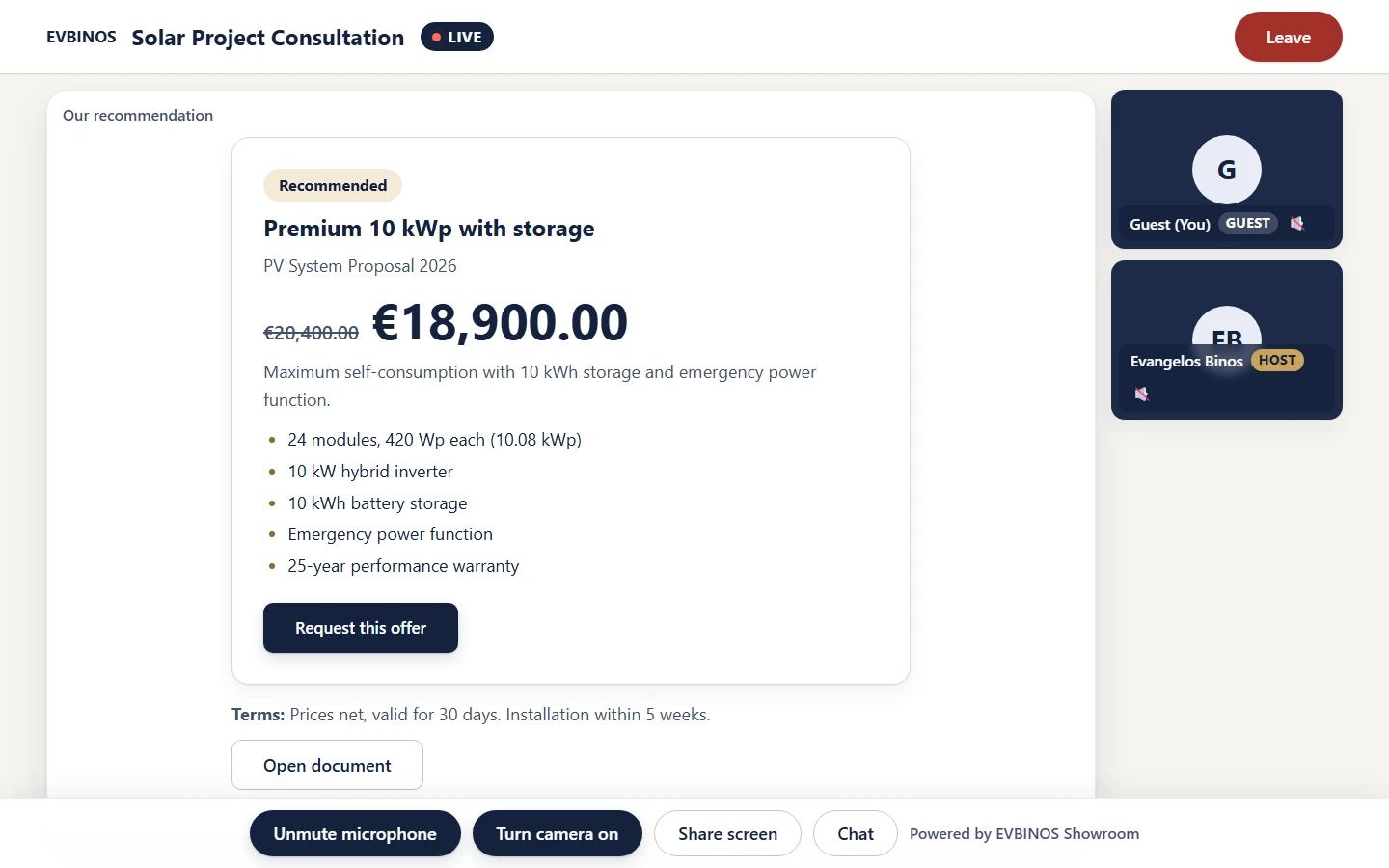
EVBINOS Showroom live meeting: the recommended solar package on the presentation stage, the participants beside it

Inside the Showroom

It feels like entering an office — not joining a call.

Your materials and offers are the room. The video sits beside them, so the conversation stays about what you are selling.

Before · During · After

One room for the whole sales conversation.

The same link takes your customer from the waiting room into the meeting — and back into the sales room afterwards.

  1. Before

    Digital Waiting Room

    Your customer arrives in your branded room, not in an empty call window.

    • Guests can join at meeting time or a few minutes early
    • A welcome with your company name
    • No account, no download
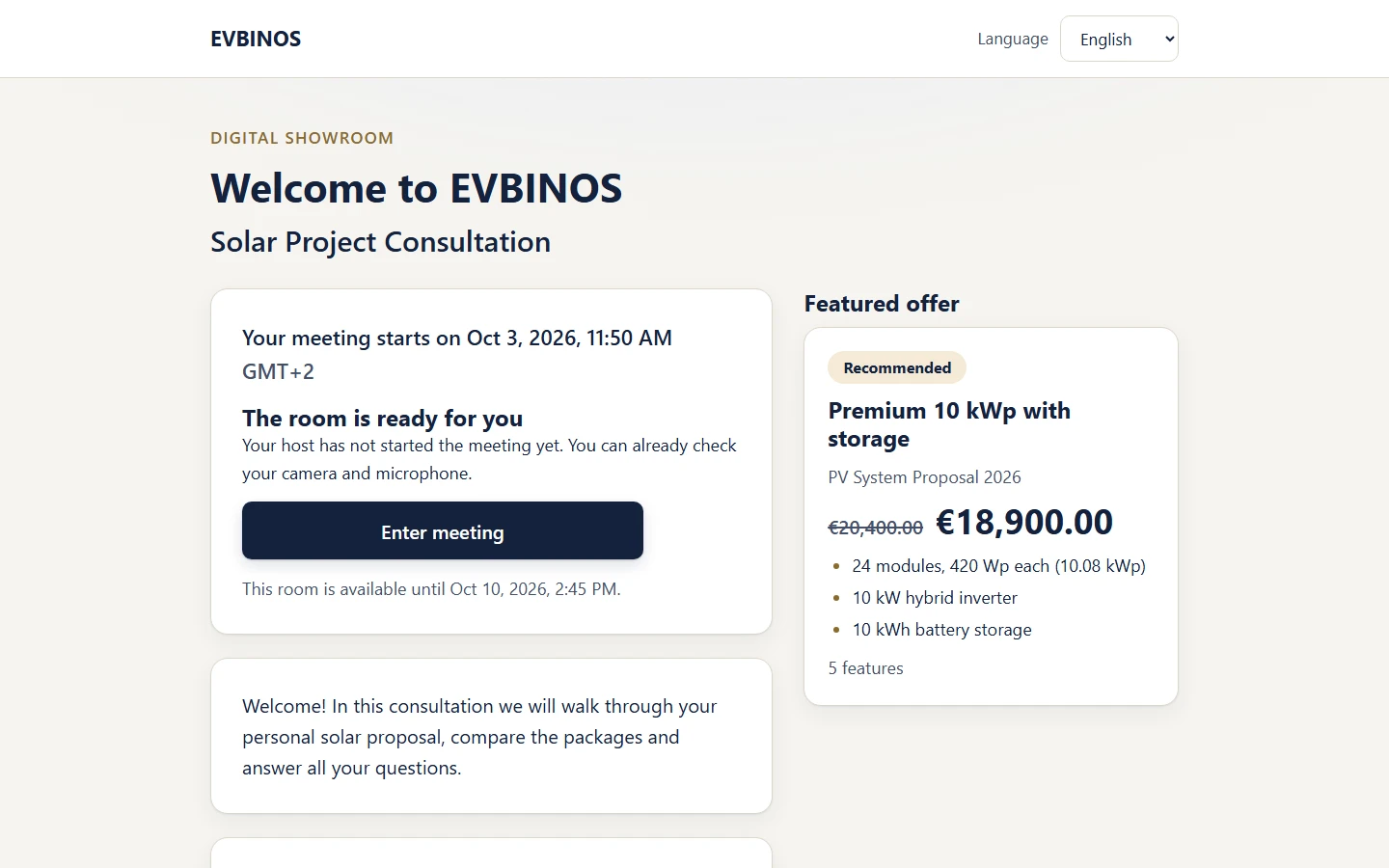
    The EVBINOS Showroom guest waiting room before the customer is let into the meeting
  2. During

    Interactive Sales Workspace

    Present offers, PDFs and images with video beside them, and lead your customer through every step.

    • You control what the guest sees
    • Laser pointer and contents list
    • Camera, microphone, screen sharing and chat
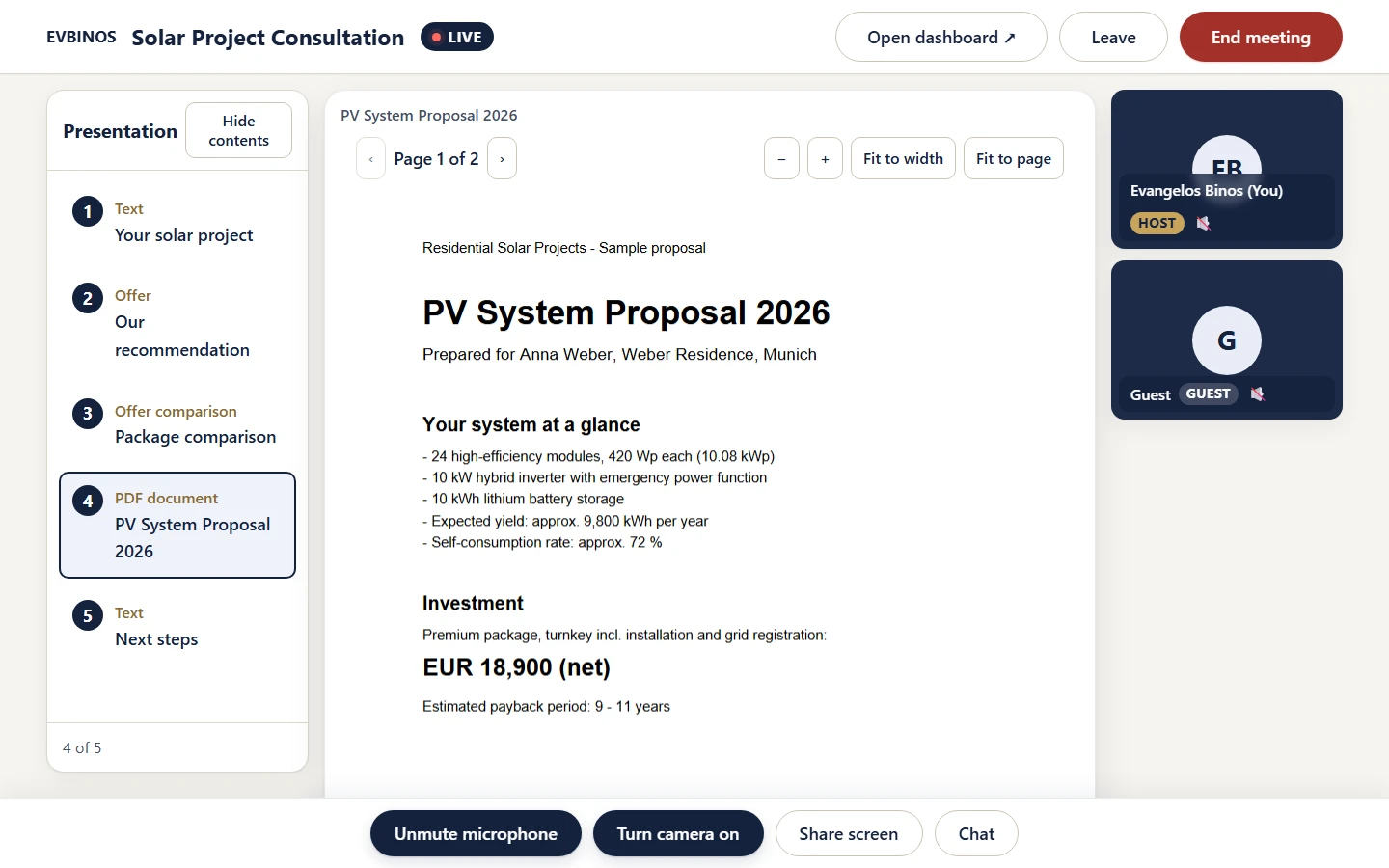
    A “PV System Proposal” PDF open on the EVBINOS Showroom presentation stage
  3. After

    Persistent Sales Room

    When the call ends, the room stays open: your customer can revisit the materials you chose to keep available.

    • Materials marked “Available after meeting” stay
    • A personal sales room on the same link
    • Open for a period set by your plan
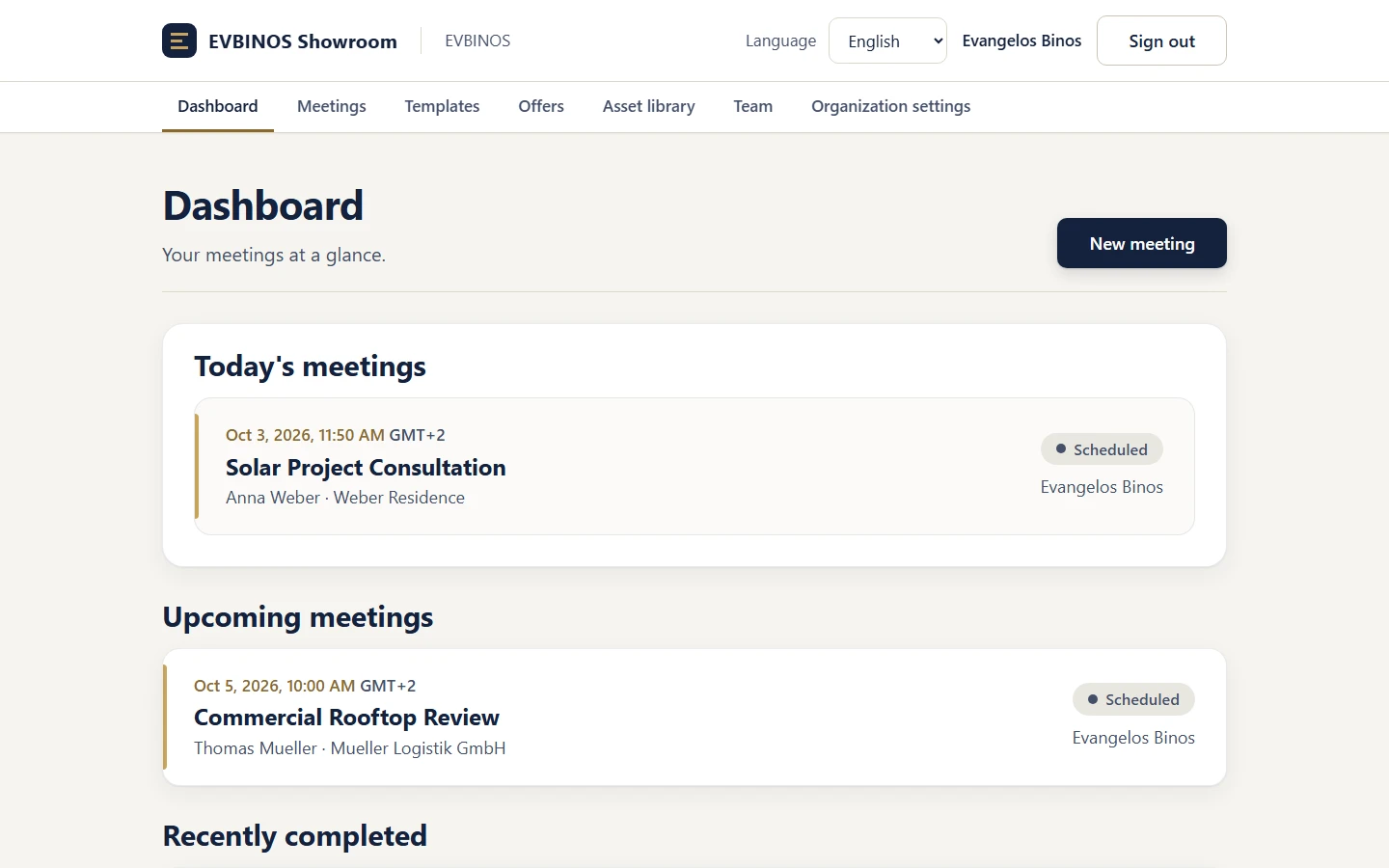
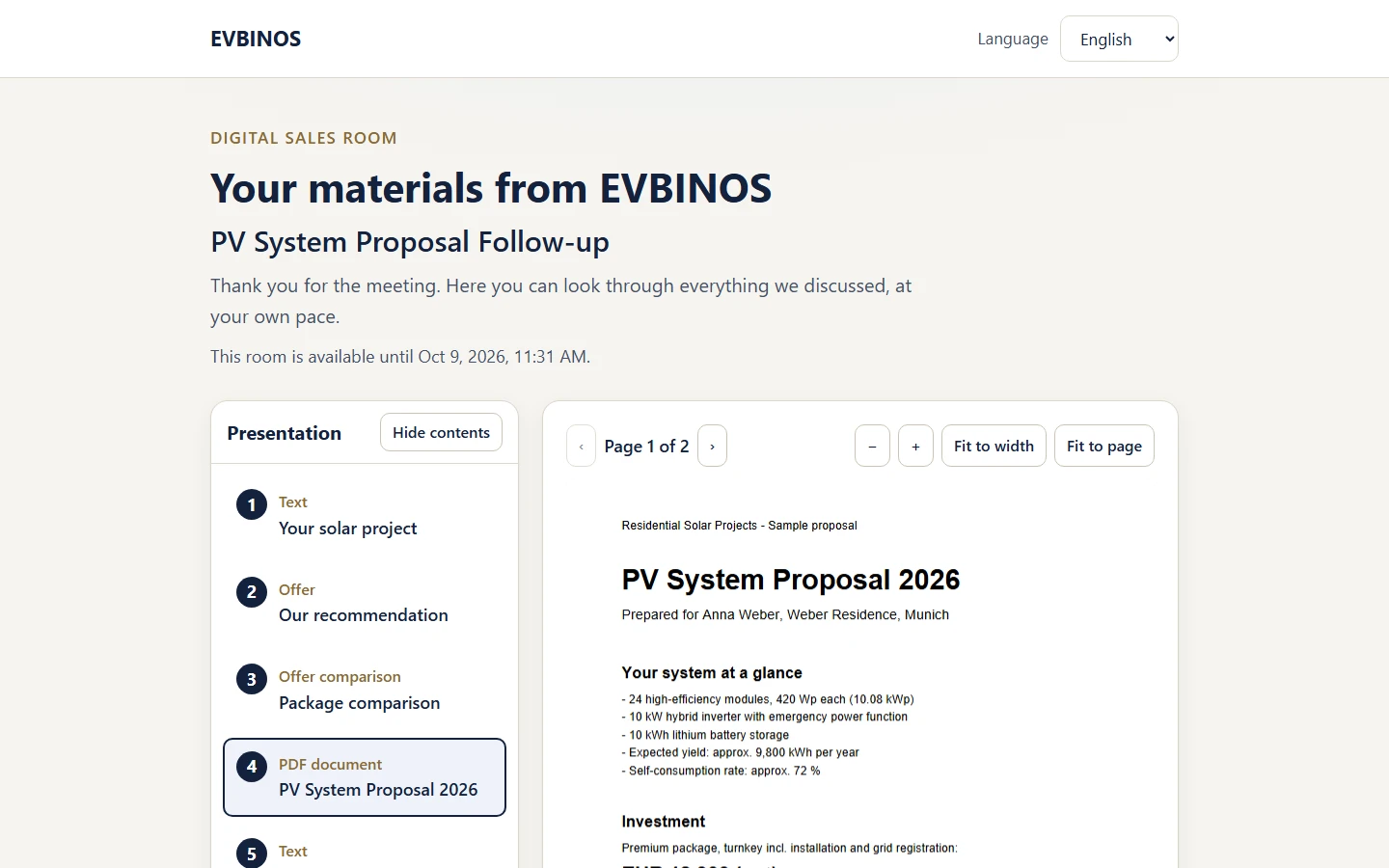
    The post-meeting sales room “Your materials from EVBINOS”, with the materials kept for the customer

Offers

Show packages side by side — and see what your customer wants.

Create offers once, reuse them in templates and present two or three of them next to each other. Your customer answers with one click instead of a follow-up email.

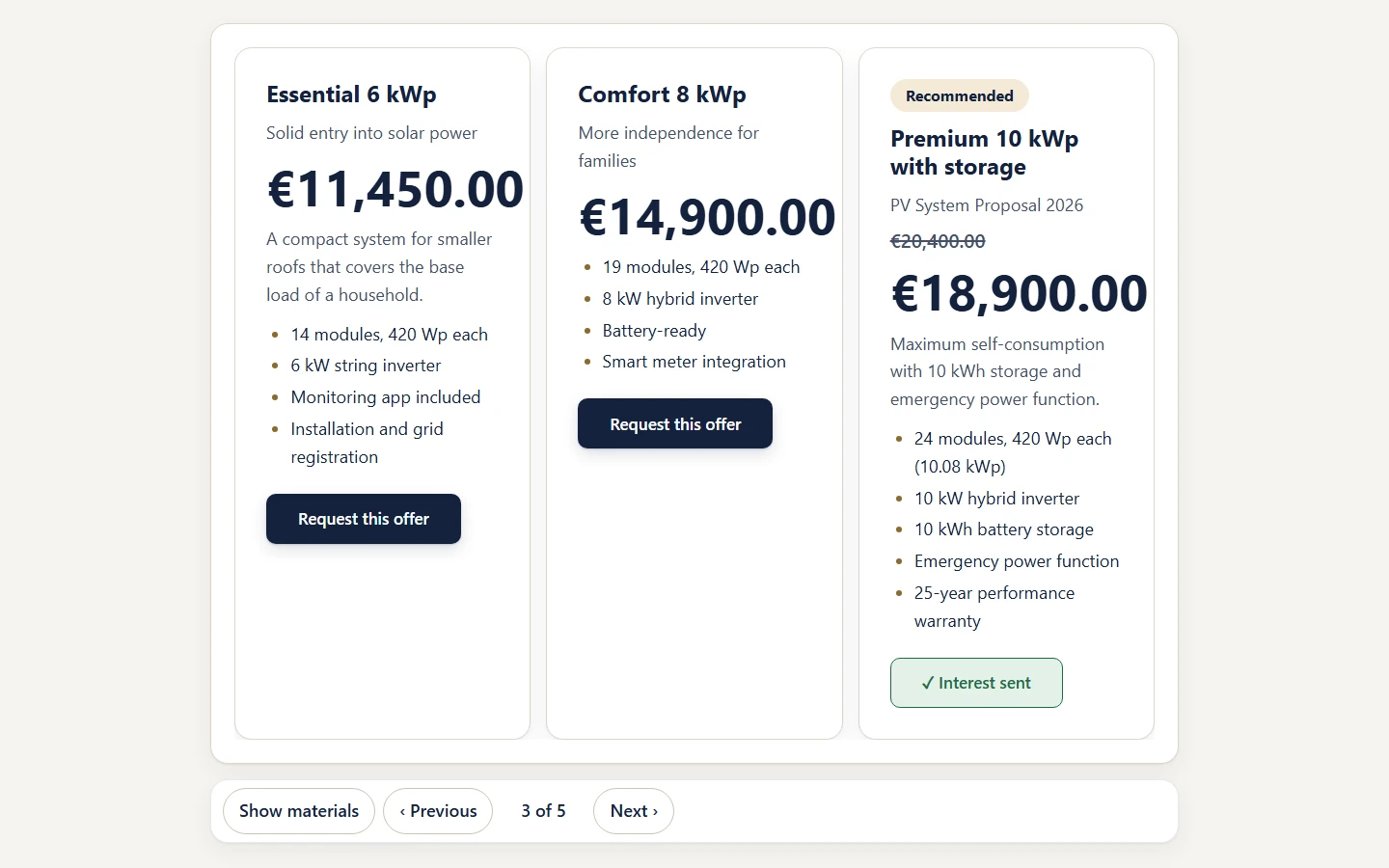
Package comparison in EVBINOS Showroom: Essential, Comfort and Premium side by side
  1. Create your offers

    Name, description, image and attachments — kept in your offer library.

  2. Build a template

    Combine offers, PDFs and images into a Showroom you can reuse for every meeting.

  3. Compare in the meeting

    Two or three offers side by side, with one of them highlighted as the featured offer.

  4. Receive interest

    Guests tell you with one click which offer they want — you see it in the meeting overview.

What your customer can do

  • I’m interested
  • Request the offer

You see each guest’s interest in the meeting overview. Attendance itself is not recorded.

Features

Everything a sales meeting needs. Nothing a guest has to install.

Built for people who sell — for the meeting and for everything around it.

  • Browser guest access

    Guests join from a link in their browser. No app, no plug-in, no account.

  • Video + presentation

    Camera, microphone, screen sharing and chat — next to your content, never on top of it.

  • Offers

    An offer library, a featured offer and side-by-side package comparison.

  • PDFs & materials

    A file library for PDFs and images, with layouts that put the document in focus.

  • Laser pointer & presenter sync

    Guests see exactly what you present. Point at the detail that matters.

  • Branding

    Your company name for guests; your logo and company colours on higher plans.

  • English, German, Greek

    The application and the guest room are available in EN, DE and EL.

  • Team roles

    Owner, Admin and Seller roles. Invite your team by email.

Use cases

Made for sales conversations that need more than a slide.

Wherever you explain an offer, compare options and need a decision, the Showroom gives the conversation a room.

  • Solar / PV

    Compare system sizes and packages, show the proposal as a PDF and keep it available for the family to review.

  • Insurance

    Walk through cover options side by side and leave the documents in the room after the call.

  • Real estate

    Present properties with large images and floor plans, and see which one a buyer is interested in.

  • Automotive

    Show models, equipment packages and financing offers in one guided presentation.

  • B2B sales

    Present proposals to several decision-makers and let them revisit the offer afterwards.

  • Software demos

    Share your screen for the demo and keep pricing and materials beside it.

  • Agencies & consulting

    Present concepts and service packages, and turn interest into a clear next step.

Plans

Start free. Upgrade when you are ready.

Start with the Free Trial. When you are ready, choose Starter, Professional or Business inside the application — your meetings, templates and materials stay.

Free Trial

Try EVBINOS Showroom free for 14 days.

Anyone can create an account — setting up takes a few minutes. As soon as you confirm your email address, your dashboard is ready.

  • 14 days or 120 meeting minutes, whichever comes first
  • No credit card required
  • Your guests never need an account
  • Upgrade whenever you are ready — in the same account

How you start

  1. Create your accountYour name, company, work email and a password.
  2. Confirm your emailOne click on the link we send you.
  3. Start presentingYour dashboard is ready. Set up your first meeting in minutes.
  • Starter

    For individual sellers who want to start presenting in a digital sales office.

    Start free trial
  • Professional

    For professionals who present regularly — with your company logo for guests.

    Start free trial
  • Business

    For sales teams — with your company colours for guests.

    Start free trial
  • White Label

    Available on request

    The Showroom under your own brand.

    Ask about White Label

Current plans and prices are shown in the application.

Browser access

No installation. No guest account. One secure link.

Your customer should not need IT support to see your offer. The Showroom runs in the browser they already use.

  • No installation

    Nothing to download — for you or for your guests.

  • No guest account

    Guests open the link and join. No sign-up, no password.

  • Secure browser link

    Each guest link is personal to the meeting, encrypted over HTTPS, and the sales room expires on schedule.

  • Camera and microphone on the guest’s terms

    The browser asks for permission before the camera or microphone is used.

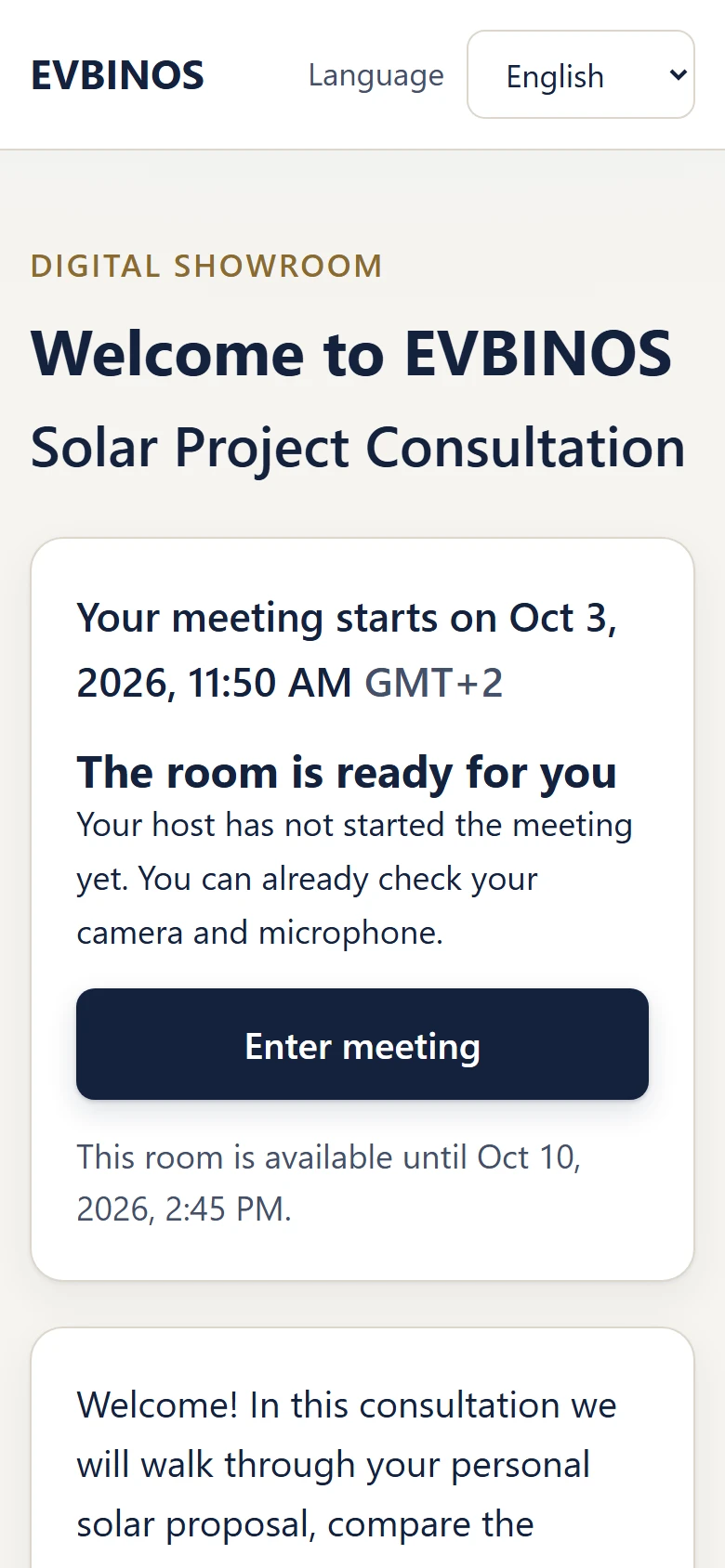
The guest side of EVBINOS Showroom on a phone: joining and waiting in the browser

FAQ

Questions about EVBINOS Showroom

Do my customers need to install anything or create an account?

No. Guests open the meeting link in their browser and join. There is no app, no plug-in and no guest account.

Is it a video conferencing tool?

It includes video, but it is built as a sales office: your presentation, offers and materials are in focus, and the video supports the conversation.

What happens after the meeting?

The room stays open as a digital sales room. Guests with a valid link can revisit the materials you marked as available after the meeting, until the room expires. How long it stays open depends on your plan.

Can I present PDFs and compare offers?

Yes. You can present PDFs and images, show two or three offers side by side, highlight a featured offer and use the laser pointer. Guests see what you present.

How do I know if a customer is interested?

Guests can tell you with one click — for example “I’m interested” or by requesting an offer. You see these signals in the meeting overview.

Which languages are supported?

English, German and Greek, both for your team and for your guests.

Can my team use it?

Yes. Invite colleagues by email and give them the Owner, Admin or Seller role.

How does the free trial work?

Create your account, confirm your email address and your dashboard is ready. The Free Trial runs for 14 days or 120 meeting minutes, whichever comes first — no credit card required. Your guests join from a link and never need an account.

What happens when the trial ends?

You can still log in and see your meetings, templates and materials. To hold new live meetings, choose a paid plan in the application — in the same account.

What does it cost?

Start with the Free Trial: 14 days, 120 meeting minutes, no credit card. After that, EVBINOS Showroom has the plans Starter, Professional and Business; current plans and prices are shown in the application. White Label is available on request.

Open your digital sales office — free for 14 days.

Present, talk, share offers and keep the sales room open after the meeting — all from one browser link.

14 days · 120 meeting minutes · No credit card required